.svg)



Introduction
Most administrators don’t avoid automation platforms because they dislike structure because setup overhead kills momentum. When all you want is to bring order to a growing pile of PowerShell scripts, the idea of deploying databases, repositories, and credential vaults can feel disproportionate.
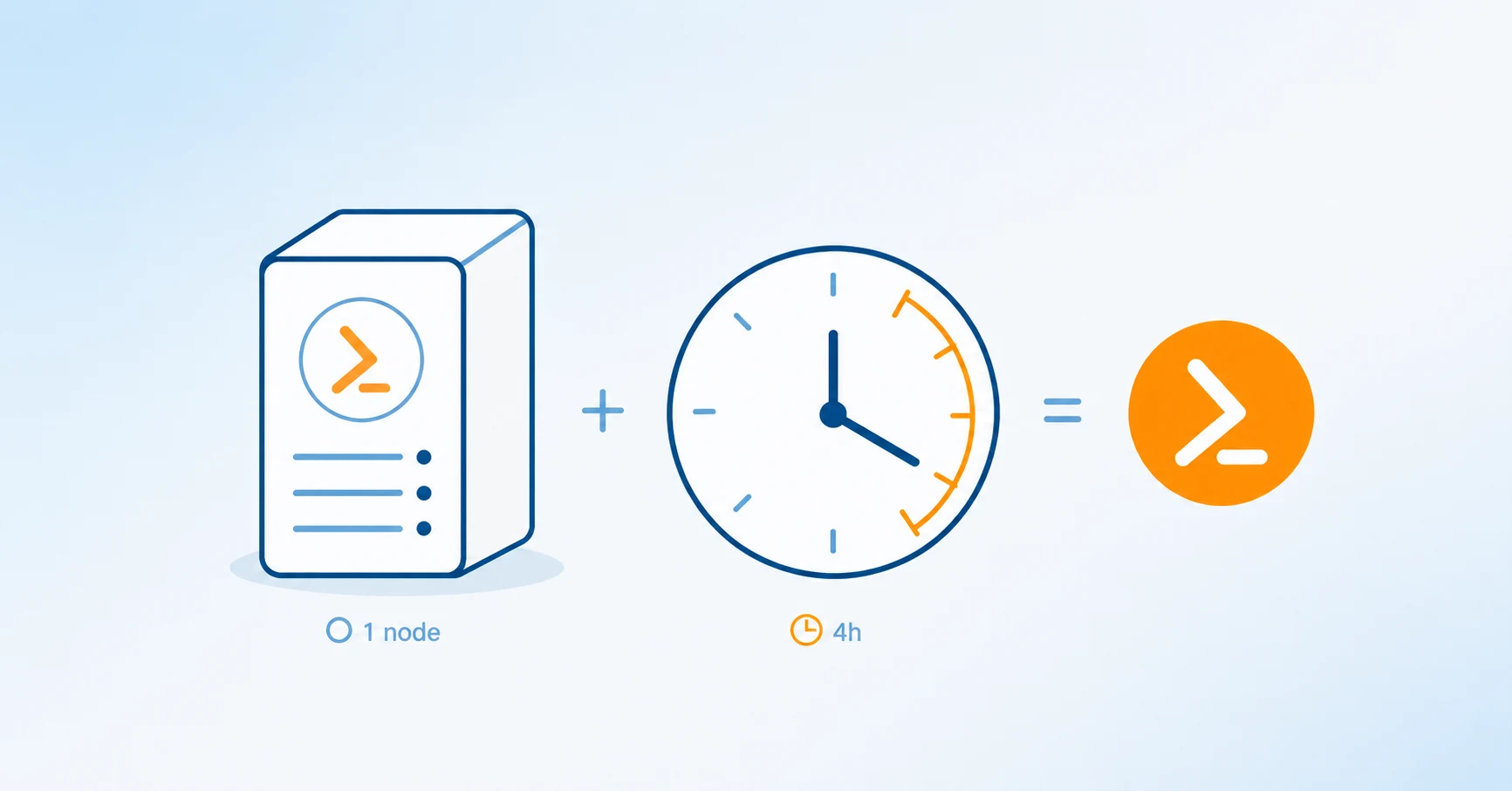
ScriptRunner’s minimal, single‑node installation is designed specifically for that moment: when you need governance and control now, not after weeks of infrastructure work.
Automation Before a Real Platform Exists
In many environments, automation lives in a fragile equilibrium. Scripts run locally or via Task Scheduler, often under service accounts with broad permissions. Credentials are handled “carefully,” but usually inside the script or in some homegrown encrypted form. Source control, if it exists at all, is inconsistent.
This setup continues because it is fast to build and slow to visibly fail. But even on one server, the operational cost adds up. Onboarding new administrators is difficult. Troubleshooting requires tribal knowledge. Audits turn into archaeology. The longer this runs, the harder it becomes to justify fixing it — because everything depends on it already.
Why Lightweight Workarounds Still Don’t Scale
Admins often try to improve things without introducing a platform. They add more logging, write usage notes, or enforce conventions. Some move scripts into Git, others centralize credentials in a password manager. These steps help, but they remain disconnected.
What’s missing is cohesion. Execution, credentials, source control, and reporting all live in different places, with no single system enforcing policy. As automation grows, these seams become failure points. Even a “small” environment starts behaving like an unmanaged production system.
Standing Up ScriptRunner with Minimal Friction
This is where ScriptRunner’s singlenode installation stands out. Out of the box, ScriptRunner does not require external infrastructure to become operational. The server installs with a local SQLite database, a local Gitpowered script source, and integration with the Windows Credential Store for secure credential handling.
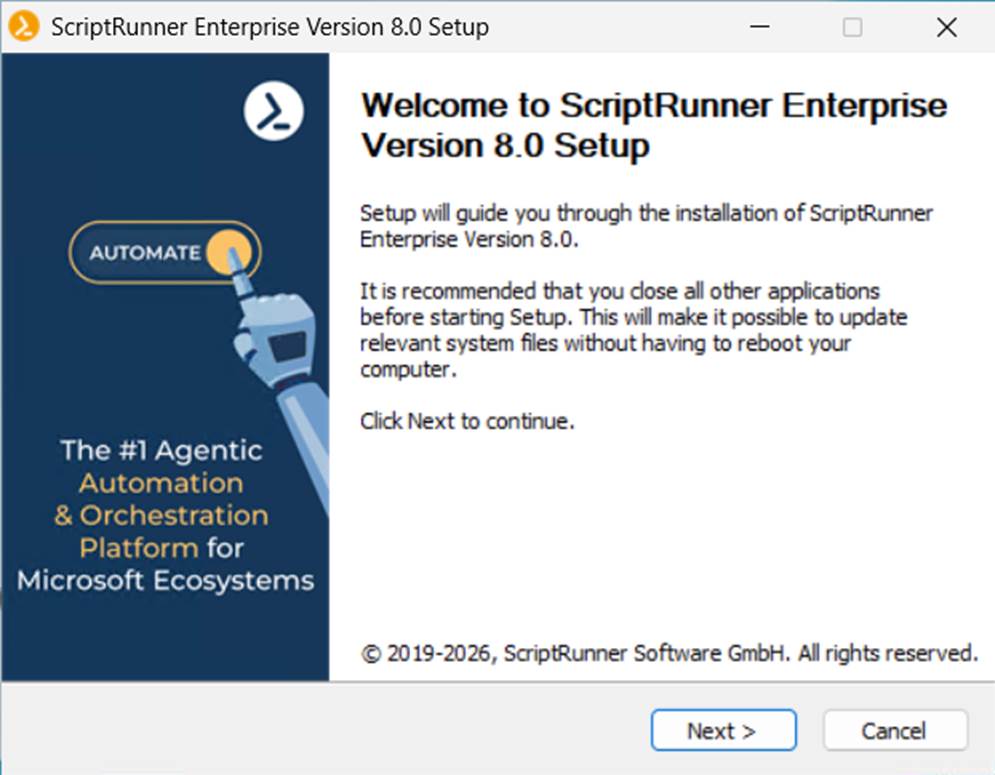
From an operational perspective, this is critical. There is no need to provision SQL Server, no need to integrate an external Git service, and no need to deploy a separate vault. Everything required to run governed automation is available immediately after installation. In practice, this means ScriptRunner can be installed, configured, and producing value in hours rather than days.
How This Simplicity Changes the First Week
Because the core components are already there, administrators can focus on real work instead of managing underlying infrastructure. Scripts are checked into the local Git repository automatically, giving you versioning and change tracking from day one. Rollbacks and comparisons are builtin, not bolted on later.
Credentials are stored centrally using the Windows Credential Store and referenced by ScriptRunner actions. Scripts no longer contain secrets, and credential rotation becomes an administrative task rather than a scripting exercise.
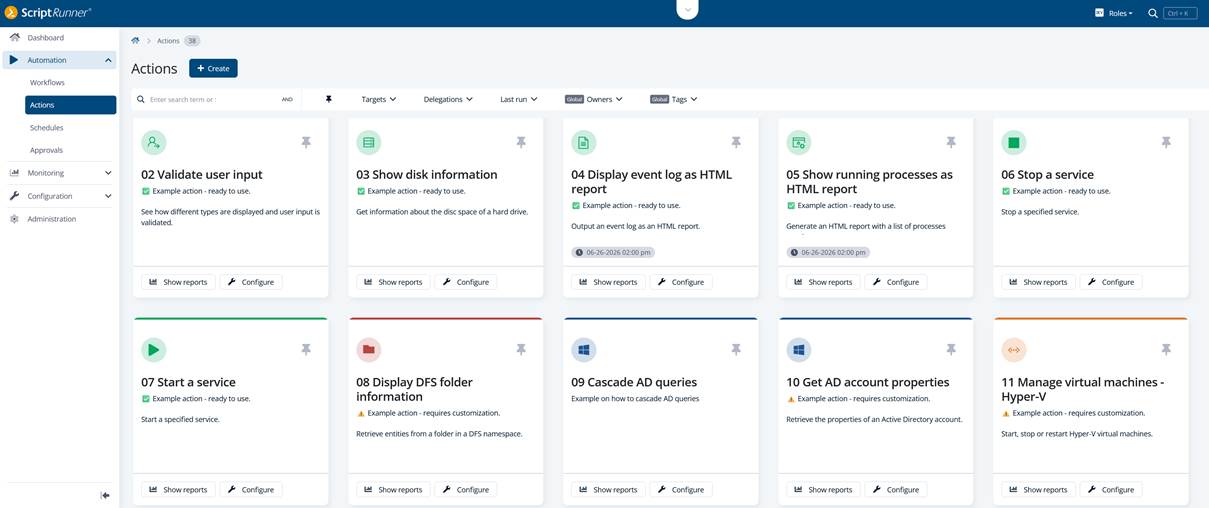
Actions provide the execution layer. A script becomes an action with defined parameters, validation, and an execution identity. This creates a clean separation between script authorship and script usage — even in very small teams. Logging and execution history are consistent across all runs, which immediately improves troubleshooting and accountability.
ScriptRunner also allows you to install ready‑to‑run example actions during setup. These examples are more than demos as they show recommended patterns for parameter handling, credential usage, and safe execution. For many teams, these examples become templates for their own automation, accelerating adoption and reducing design mistakes.
Operational Benefits of a Minimal Setup
The most underrated advantage of this approach is momentum. Because ScriptRunner works out of the box, teams are far more likely to actually adopt it. Automation moves out of personal folders and into a managed environment without a long transition phase.
Governance and auditability improve immediately. There is a central execution history, a single place to manage scripts, and a clear model for credentials and permissions. Productivity increases not because admins write fewer scripts, but because they spend less time maintaining fragile glue code around them.
Key Takeaways
ScriptRunner’s minimal, singlenode installation removes the usual barriers to entry for automation platforms. With a local SQLite database, builtin Git repository, Windows Credential Store integration, and readytorun examples, it delivers a fully functional automation environment almost immediately. The result is faster time to value, lower operational risk, and a solid foundation for governed automation — without waiting for “phase two” infrastructure.
Ready to bring structure, security, and governance to your PowerShell automation in a single afternoon? Book a meeting with the ScriptRunner experts and see how easily you can move to governed automation.