.svg)
Agentic Automation & Orchestration Platform for Microsoft Ecosystems
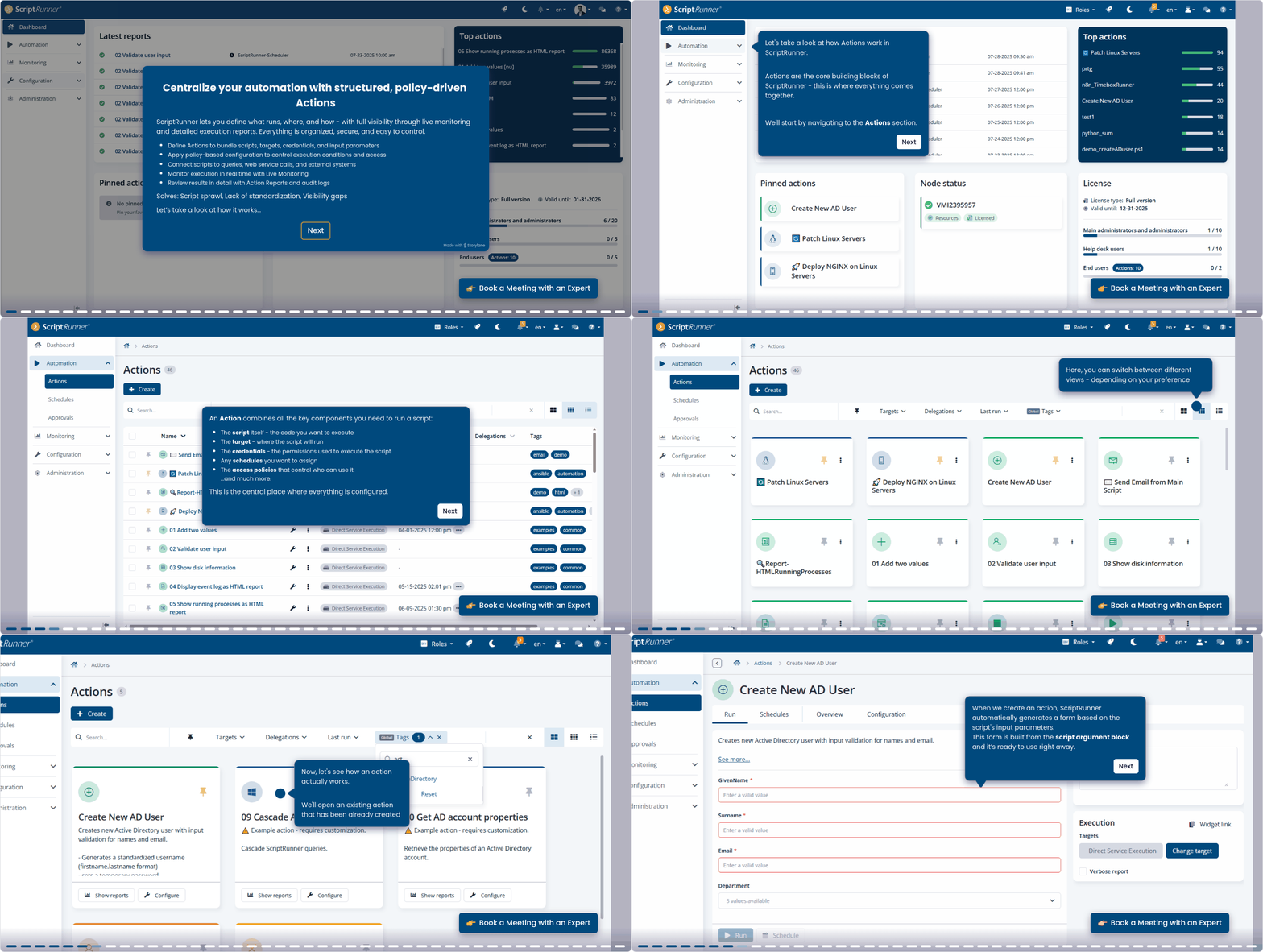

PowerShell scripts that previously were stored locally can now be stored and synchronized in different script sources to any remote Git provider of choice such as GitHub, GitLab, Bitbucket, and others. IT administrators can specify which team is allowed to access each script source ensuring secure collaboration. And script developers can work and collaborate on their scripts efficiently knowing they always use the latest version of their scripts. In addition, automatic synchronization, Git version control, and granular rights assignment lead to efficient collaboration and facilitate straightforward auditing.
Centralized Script Management
Secure Credentials Management
ScriptRunner allows you to store your credentials centrally and securely in an encrypted credential vault with role based access. This means that business critical authentication information remains protected from unauthorized users. Supported password servers include 1Password, Bitwarden, Azure, and many more. And IT administrators can fully automate and delegate tasks to help desk staff and end users even on protected systems. ScriptRunner credential management makes protecting privileged access data easier than ever.
Many tasks that previously had to be performed by administrators for security reasons can now be delegated to other users, even help desk or end users. IT administrators can focus on more high level tasks instead of wasting time with simple routine tasks. And help desk staff and end users will no longer have to wait for the IT department to complete tasks on their behalf. As a result, you reduce your IT workload and increase your employees productivity.
Delegations
Governance & Compliance
Unmonitored execution of critical actions can lead to outages, data loss, or compliance violations, all of which can result in very high costs. ScriptRunner approval workflows let administrators define an approval process to ensure transparency and accountability. And because every action is fully compliant and logged in ScriptRunner's change history, businesses are audit ready at any time.
With ScriptRunner, tasks can be fully automated and executed at scheduled times, either once or at regular intervals and even on different machines. This allows IT administrators to implement even the most complex scheduling requirements and to set up their environment to handle large numbers of actions at the same time. Tasks are executed automatically without needing to be supervised and bottlenecks due to server overload or high costs for manual task execution outside regular working hours are a thing of the past.
Schedules
Integrations
ScriptRunner can seamlessly integrate even into highly heterogeneous system landscapes. Ready to use connectors are available for widely used systems such as ServiceNow, Jira, Office three sixty five, Azure AD, VMware, and many more. And with the new API using Swagger, ScriptRunner can integrate third party systems via REST. As a result, IT administrators can automate their IT tasks even when working with many different IT systems. With ScriptRunner, you protect your IT investments, save on integration costs, and create useful cross platform solutions instead of silos.
ScriptRunner controls user access and permissions based on four role templates: main admin, help desk, end user. Administrators can create multiple groups for each role and organize them based on responsibilities, locations, or other criteria. By assigning each group different sets of actions, businesses gain even greater control over permissions, prevent misuse, and minimizing user errors. With ScriptRunner, compliance issues and malicious insider threats can be reduced and costly user errors avoided.
Role-Based Access
Ensuring Compliance
ScriptRunner not only enables centralized policy driven automation of your IT tasks, but also provides seamless monitoring and detailed reporting. Each time an action is performed, its policies are applied, making actions themselves standardized and reproducible. With ScriptRunner reports, change history, and alerting, you can track changes in real time. All changes are documented securely and in detail, enabling businesses to provide clear audit trails for IT governance and security teams. Whether HIPAA, SOX, GDPR, or D O R A. With ScriptRunner, you can ensure compliance at all times. And reputational damage or penalties are a thing of the past.
Frequently Asked Questions
Do I need PowerShell expertise to use ScriptRunner?
No, ScriptRunner has a simple web interface that requires no coding. This makes it easy for anyone to manage automation tasks. Advanced users, however, can still harness the full power of PowerShell.
How secure is automation with ScriptRunner?
Extremely secure. ScriptRunner has strong security features. These include role-based access control, credential management, and detailed audit trails. These tools help keep operations safe and compliant.
Can I integrate ScriptRunner into my existing systems?
Yes, ScriptRunner integrates seamlessly with ITSM systems like ServiceNow, Jira, SAP, and many more. It also supports a wide variety of platforms and services via PowerShell modules and connectors.
How quickly can I get started with ScriptRunner?
Thanks to its straightforward installation and user-friendly interface, you can begin implementing real use cases on day one.
What support does ScriptRunner provide during and after implementation?
Our Customer Success Team assists you during the implementation process and beyond. We offer training, consulting, and technical support to ensure you get the most out of ScriptRunner.