.svg)
.svg)

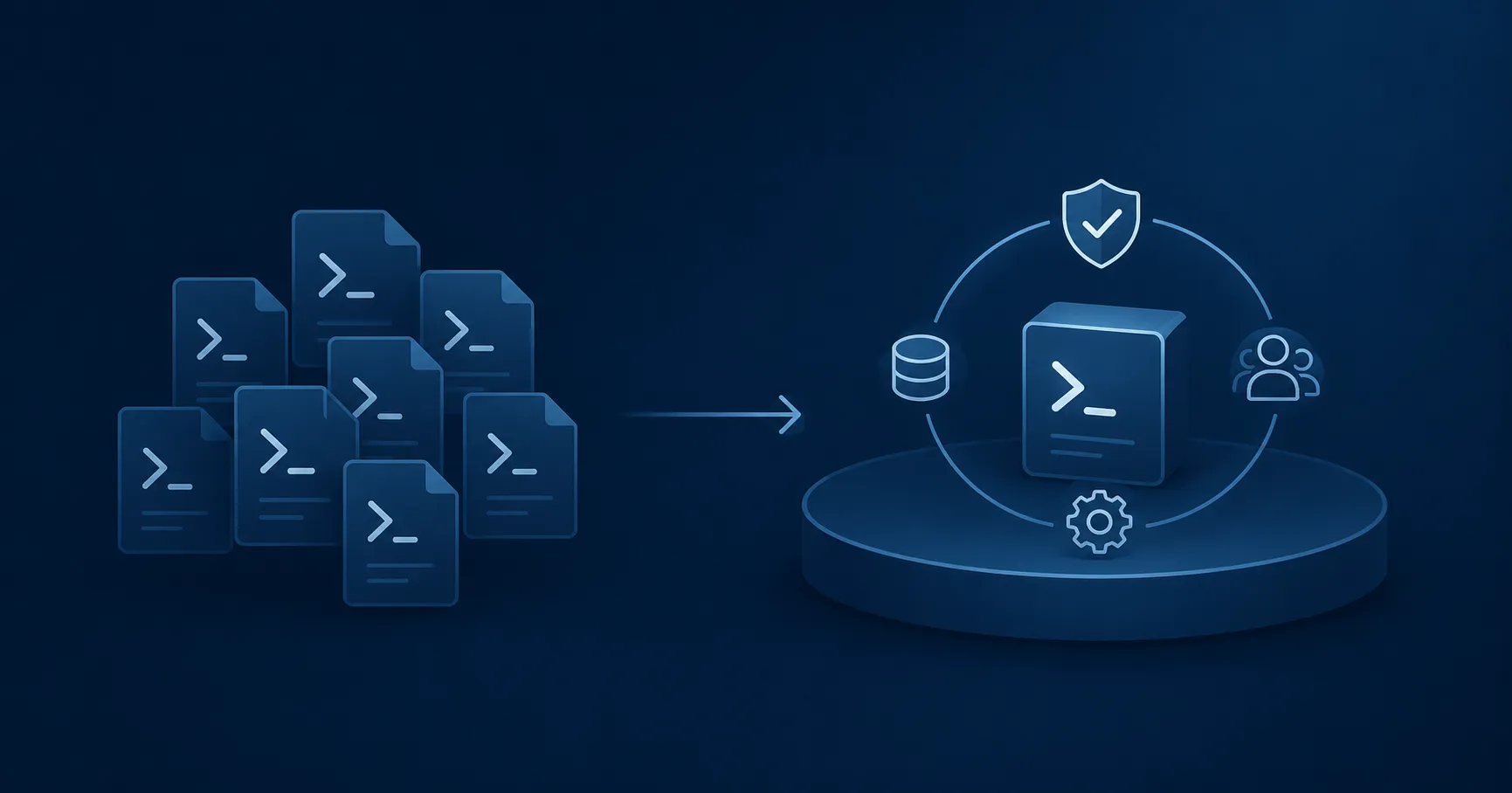
When business-critical automation workflows and scripts accumulate, your IT operations team is essentially performing the functions of a software vendor. Even if these responsibilities are not formally recognized or funded, you now have a product, users, service expectations, a security surface, and an ongoing maintenance obligation. The MSOnline retirement showed what happens when that obligation comes due. It also exposed the real questions that any DIY-versus-platform discussion should focus on: who owns governance, security, continuity, and maintenance?
In spring 2025, Microsoft retired the MSOnline PowerShell module in phases across tenants. AzureAD followed later that year. Because Microsoft was switching off the services underneath the modules, pinning an older version could not preserve the old behavior. Workflows still dependent on those endpoints had to be migrated to supported tooling such as Microsoft Graph PowerShell or Microsoft Entra PowerShell.
That migration was not a global search-and-replace. Authentication models changed. Permission scopes changed. Default property sets and filtering behavior changed. Some cmdlets mapped cleanly; others required a different implementation. For teams running identity and Microsoft 365 operations through PowerShell, this meant discovering dependencies, rewriting code, validating permissions, and retesting production workflows.
Microsoft gave customers unusually extensive preparation. The company had been signaling the move away from the legacy modules since 2021. Before retirement, it ran temporary outage tests between January and March 2025, allowing tenants to observe failures before the final shutdown. Microsoft also released a tenant-specific Entra recommendation showing legacy module activity, including the operations used and when they had last run.
That report exposed a problem larger than the module retirement. If Microsoft's telemetry could identify your organization's automation dependencies more reliably than your own records, the migration problem was not just code compatibility. It was the absence of a dependable automation inventory.
For organizations in that position, years of notice could still end in an urgent discovery and rewrite effort. The lesson is not that DIY scripting was a mistake. It's that business-critical automation had become an internal product without being managed as one.
The vendor you did not mean to become
A useful distinction is crossed when scripts stop being personal tools and become part of service delivery. Onboarding depends on them. Offboarding depends on them. Group membership, mailbox administration, access requests, compliance evidence, and recurring maintenance may all pass through them. At that point, IT operations is no longer merely authoring scripts. It is operating software on behalf of users.
Look at what the team now owns:
- A product: the automation portfolio and the outcomes it delivers.
- Users: employees, service-desk agents, auditors, application owners, and other teams that rely on those outcomes.
- Service expectations: requests continue to be fulfilled at an established speed and level of reliability.
- A security boundary: credentials, permissions, execution hosts, service accounts, and administrative interfaces.
- A maintenance obligation: modules, APIs, authentication methods, and target systems continue to change.
None of these responsibilities disappears because the product was assembled incrementally. A workflow written to solve one ticket category may have been entirely rational. So was the next one. The operating model emerges from the aggregate: dozens or hundreds of individually reasonable automations become a de facto service platform that the business now relies on.
What often does not emerge with it is the capabilities a deliberate software provider would build around that service: named ownership, release management, dependency tracking, test environments, operational support, lifecycle policy, and a funded plan for maintenance. Their absence creates future costs that are difficult to see and plan for. This is the trap of the accidental software vendor.
Scaled automation reduces work, but someone must own maintenance
Automation can remove large amounts of manual operational work. That is one of its central strengths. But automation does not eliminate the need to own and maintain the system that performs the work.
Google's site-reliability engineering literature draws a useful distinction here. It defines toil as work that is manual, repetitive, automatable, tactical, and liable to scale with the service. Writing durable automation can be engineering because it produces a lasting improvement. Manually running a script for every request can still be toil.
The same distinction applies to maintenance. Updating a workflow deliberately, with tests and a release process, is engineering. Rediscovering undocumented dependencies after a vendor cutoff, then rewriting them under deadline pressure, is reactive operational work. The problem is not that scripts require maintenance; all software does. The problem is maintenance without inventory, ownership, capacity, or a predictable process.
A useful cost model for automation therefore includes more than the time required to write the first version. Each production workflow also creates recurring obligations around:
- dependency monitoring;
- authentication and credential changes;
- permission reviews;
- testing and release management;
- execution logging and incident investigation;
- documentation and succession;
- retirement when the workflow is no longer justified.
A five-line script may remain a five-line script. Its operational footprint can still be much larger.
The platform functions someone has to provide
Once automation becomes part of service delivery, several platform functions have to exist somewhere. An organization can build them internally, buy them, or combine the two. Ignoring them does not remove the requirement; it leaves the requirement informal.
Know what you run—and who owns it
When a module is retired or an API changes, that's a bad time to be asking, “Where might we still be using this?”
Avoiding this scenario requires two things. First, the organization must discover the automation already spread across repositories, servers, task schedulers, and individual teams. Then it needs a reliable way to keep the resulting inventory current.
For each production workflow, the team should be able to identify its owner, execution environment, identities, permissions, major dependencies, operational status, and business purpose. A central automation platform can help maintain that technical record for the workflows managed through it, connecting scripts with their targets, credentials, schedules, access controls, and execution history.
Without that visibility, every deprecation begins as a search exercise. With it, the team can identify affected workflows, involve the right owners, assess the risk, and plan the change before the deadline becomes an incident.
Controlled execution and evidence
Consider an approved service request waiting for an administrator. The service desk may manage the request correctly, but a human still reads the ticket, opens an administrative console, and re-enters the context. The integration layer between the request system and the infrastructure is a person.
That arrangement also separates approval from execution. A ticket can show who requested and approved a change. It does not necessarily show which commands ran, under which identity, against which objects, with what result. For audit and incident response, execution evidence matters as much as approval evidence.
A governed execution layer connects the two. It can constrain inputs, apply policy, run a known version of a workflow, and record the result without requiring every operator to hold the underlying administrative rights.
Privilege boundaries
Ungoverned automation often inherits permissions from the people and machines around it. Administrators receive standing rights because a recurring task needs to run. Scripts contain credentials or depend on broadly privileged service accounts. Execution hosts become sensitive infrastructure without being treated as such.
That matters because attackers increasingly exploit legitimate identity and administrative processes rather than introducing conspicuous tooling. In its 2025 incident-response report, Unit 42 described one case in which an attacker progressed from initial access to domain administrator in under 40 minutes using built-in tools and social pretexts. The relevant question is not whether PowerShell is safe or unsafe. It is whether execution is bounded, attributable, and designed around least privilege.
A mature automation model separates the ability to request an action from the privilege required to perform it. It centralizes secrets or avoids them through managed identity, restricts who can run which workflows, and leaves an execution record.
Release management and continuity
Every automation portfolio has dependencies, even when nobody has documented them. Modules change. APIs are versioned. Authentication libraries are retired. Target-system behavior changes. A production workflow therefore needs some combination of version control, testing, change review, rollback, and maintenance ownership.
It also needs to survive personnel changes. When one administrator understands the cross-system workflows and nobody else can safely modify them, that person is part of the runtime architecture. Their departure does not merely create a staffing gap; it can leave business-critical software without a maintainer.
Microsoft gave customers years to prepare. A departing workflow owner may give you two weeks. A sustainable automation model must be able to survive either scenario.
Build, buy, or standardize deliberately
A managed automation platform is not the only way to address these requirements. A sufficiently mature organization can build an internal platform around source control, CI/CD, orchestration, secrets management, role-based access, logging, testing, and support. For some teams, this is worth serious consideration.
But that is a platform-engineering program, not simply a larger collection of scripts. It requires product ownership, technical standards, maintenance capacity, and an explicit service model. In this case, the organization is choosing to remain the platform vendor and funding the role accordingly.
A commercial platform changes the allocation of responsibility. Depending on the product, the vendor may provide the execution environment, access controls, workflow publishing, audit trails, scheduling, integrations, version support, and upgrade path. The customer may still own process design, testing, policy decisions, and vendor governance. Buying a platform does not eliminate all work and risk. It can, however, turn a set of internal capabilities into supported product functions someone else maintains.
Working with a software vendor also gives the team access to support informed by problems encountered across many customer environments. When a workflow fails or a platform change creates an unexpected issue, the vendor may already recognize the pattern, know the common failure modes, and have a tested path to resolution.
The decision is no longer “DIY vs. platform” when you consider that DIY eventually means creating the platform yourself. Most organizations will continue to use PowerShell either way. The decision is which layers they want to engineer and maintain themselves:
- the PowerShell logic that expresses their business and administrative processes (yes!)
- the runtime that executes it
- the access model around it
- the interfaces through which users request it
- the evidence and observability it produces
- the compatibility work required when Microsoft changes the underlying platform
- other automation workflows
This is the build-versus-buy question in operational terms.
The deprecation test
When the next Microsoft retirement notice arrives, look at the first work your team has to do.
If the announcement triggers a search for undocumented automation, missing owners, embedded credentials, unknown dependencies, and workflows that must be reverse-engineered under deadline, your team is still carrying most of the platform responsibility. The retirement has become an emergency product-maintenance project.
If the affected workflows are already inventoried, owned, centrally executed, and observable, the work is more likely to remain bounded. Your team assesses the guidance, validates its workflows, schedules the change, and closes it. A managed platform will not eliminate every migration task, but it can turn an open-ended discovery and rewrite exercise into controlled change management.
Many of the organizations we work with sit somewhere between those two conditions. When determining requirements, we've found that asking which platform responsibilities your team intends to keep owning can provide clarity. Responsibilities you retain should be funded and governed as product responsibilities. The rest should sit with a platform designed expressly for that purpose.
Frequently asked questions
How do we know when our script portfolio needs a governed platform?
Look at business dependence rather than script count. If automation supports onboarding, offboarding, access management, compliance, or other recurring services, it needs clear ownership, security controls, monitoring, support, and maintenance. That's how you can tell you've become an accidental software vendor.
What should we inventory before evaluating vendors?
Start with production workflows and record their purpose, owner, users, execution location, dependencies, identities, permissions, integrations, and failure impact. You do not need perfect documentation before speaking to vendors, but you should understand which workflows are critical, where the major risks sit, and which capabilities a platform must provide.
Which requirements should we define first?
Begin with operational problems, not a long feature list. Common priorities include centralized execution, delegated access, workflow ownership, approval integration, audit evidence, credential management, monitoring, release controls, and support for platform changes. Rank requirements by business impact, security risk, and the amount of manual effort they currently create.
Can we keep using our existing PowerShell scripts?
Usually, yes. A platform may govern and operationalize existing PowerShell rather than replace it. Some scripts may need changes if they contain embedded credentials, rely on local machine state, require interactive use, or lack defined inputs and outputs. Test several representative workflows during evaluation to understand the real migration effort.
Should we build an internal platform or buy one?
Build when your requirements are genuinely unusual and you have the capacity to own the runtime, security model, integrations, support, and long-term maintenance. Buy when those capabilities are relatively standard and you would rather focus internal engineering on business-specific workflows. Many organizations use a hybrid model.
Which security capabilities should we evaluate?
Look beyond generic role-based access claims. Determine whether users can run approved workflows without receiving the underlying administrative rights, how credentials and managed identities are handled, and whether access can be restricted by workflow, role, input, environment, and target system. Every action should be attributable to both the requester and the execution identity.
What should we test in a proof of concept?
Choose representative workflows, not the easiest possible demo. Include one with meaningful permissions, one requiring an approval or service-management integration, and one scheduled or event-driven process. Test the full lifecycle: migration, publishing, delegation, execution, logging, failure handling, updates, and support. Successfully running one script proves very little on its own.